How to unlist or remove a listing
Unlisting hides the listing and cancels its subscription; you can reactivate it later. Removing archives the listing and cannot be undone. Your account stays open either way.
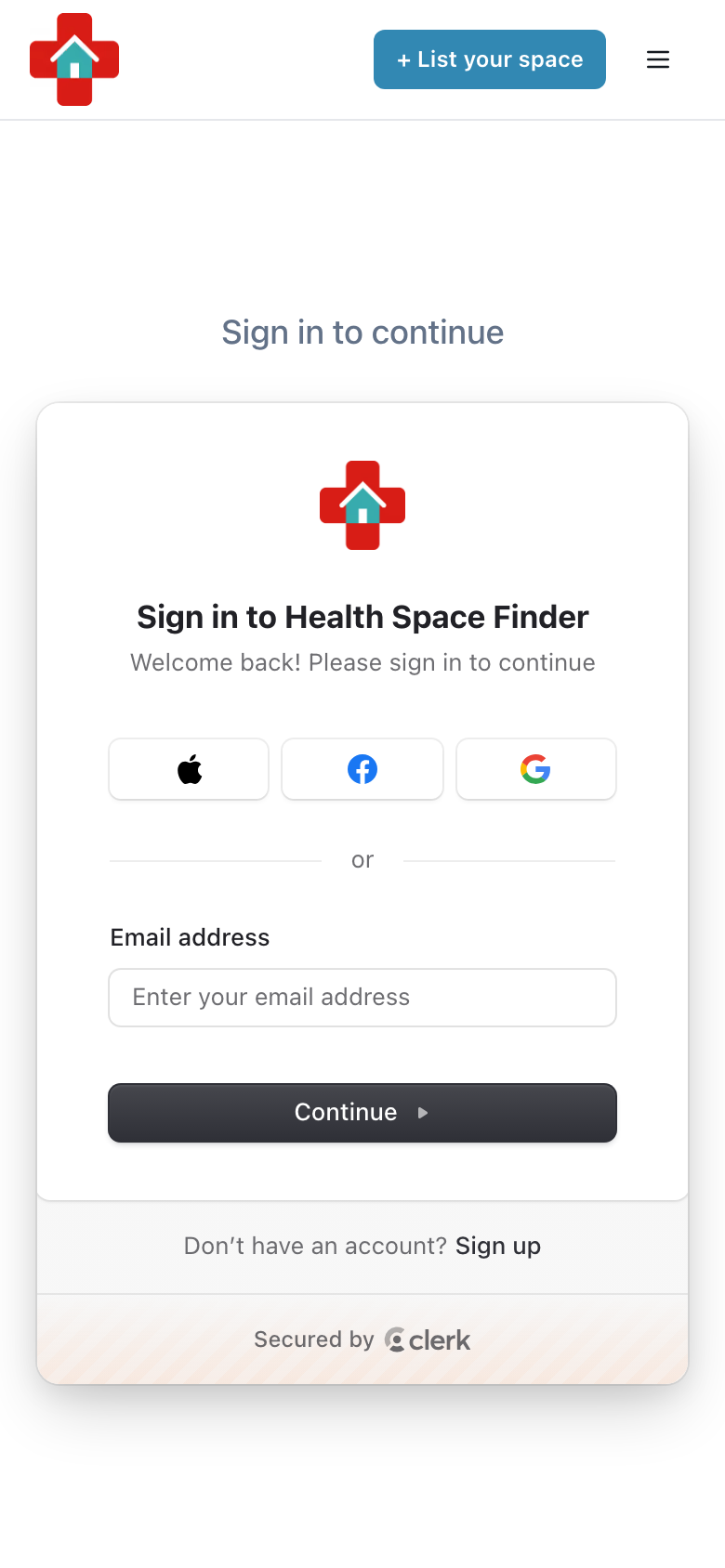
Go to healthspacefinder.com and tap "Login" (on a phone, tap the menu icon in the top right first). Use the email address you listed with.
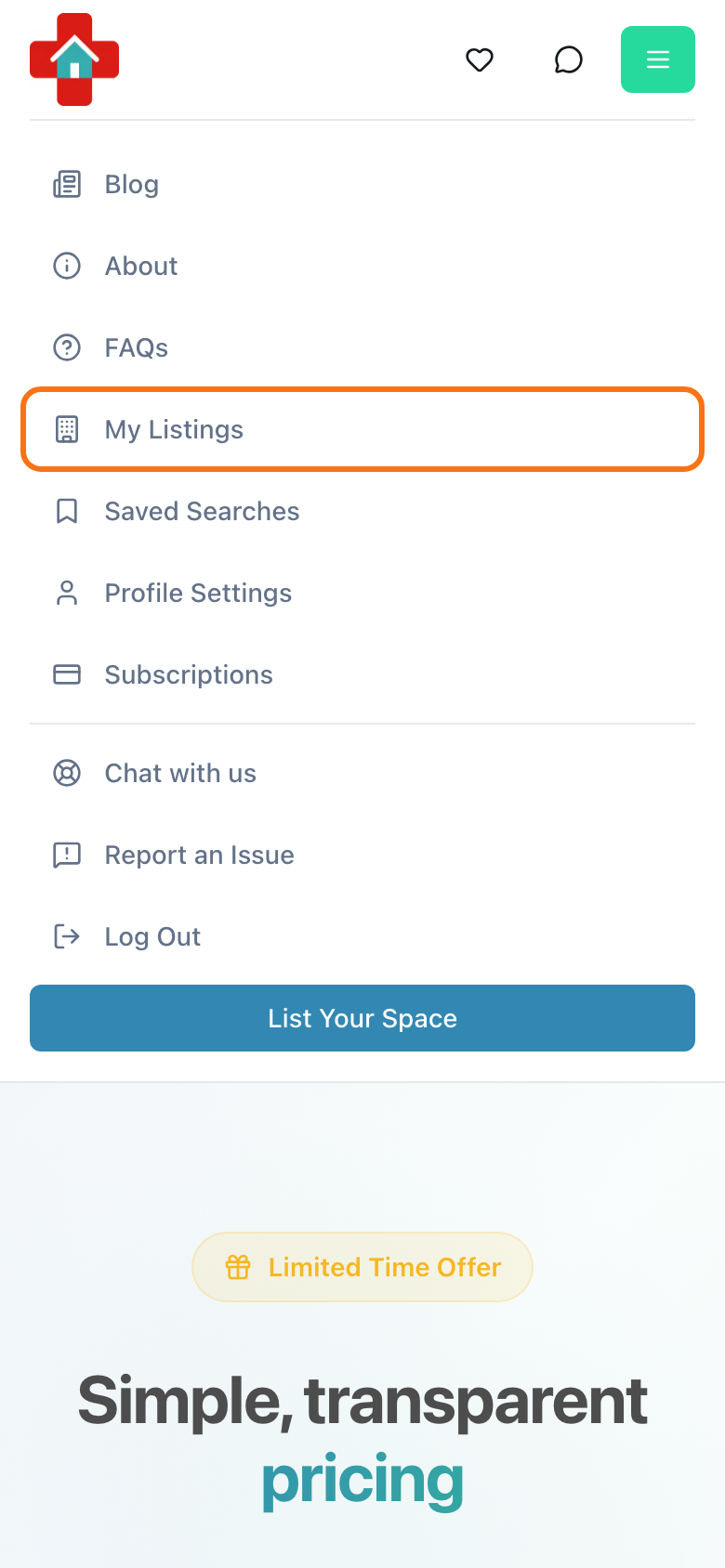
Tap the menu icon in the top right and choose "My Listings". On a computer, click your profile picture or initials and choose "My Listings".
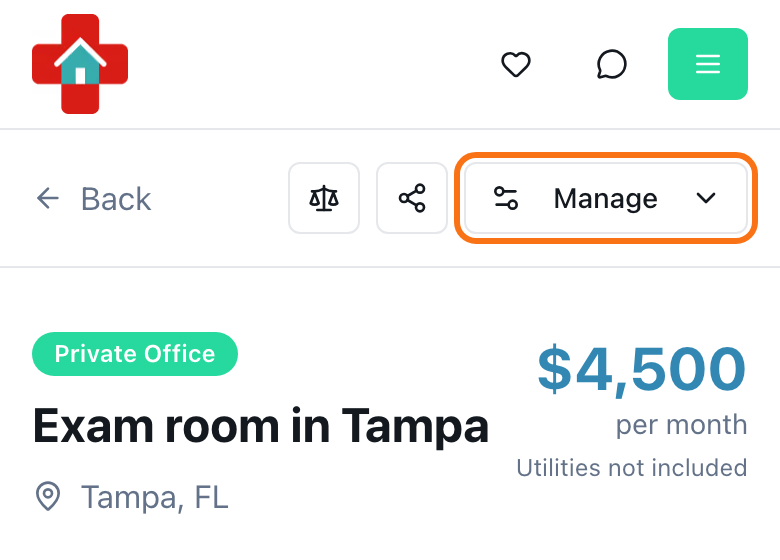
Find your listing and tap "Manage" on its card. You can also open the listing and use the "Manage" button in its header.
Choose "Unlist" to hide it, or "Remove" to archive it, then confirm. The confirm button reads "Unlist Now" or "Remove Listing" ("Cancel Trial" if the listing is still on its free trial).