Trouble signing in
Most sign-in problems come from using a different email address than the one on the account.
Use the same email address you listed with. Check the welcome email in your inbox if unsure.
On the sign-in page enter that email address and tap "Continue".
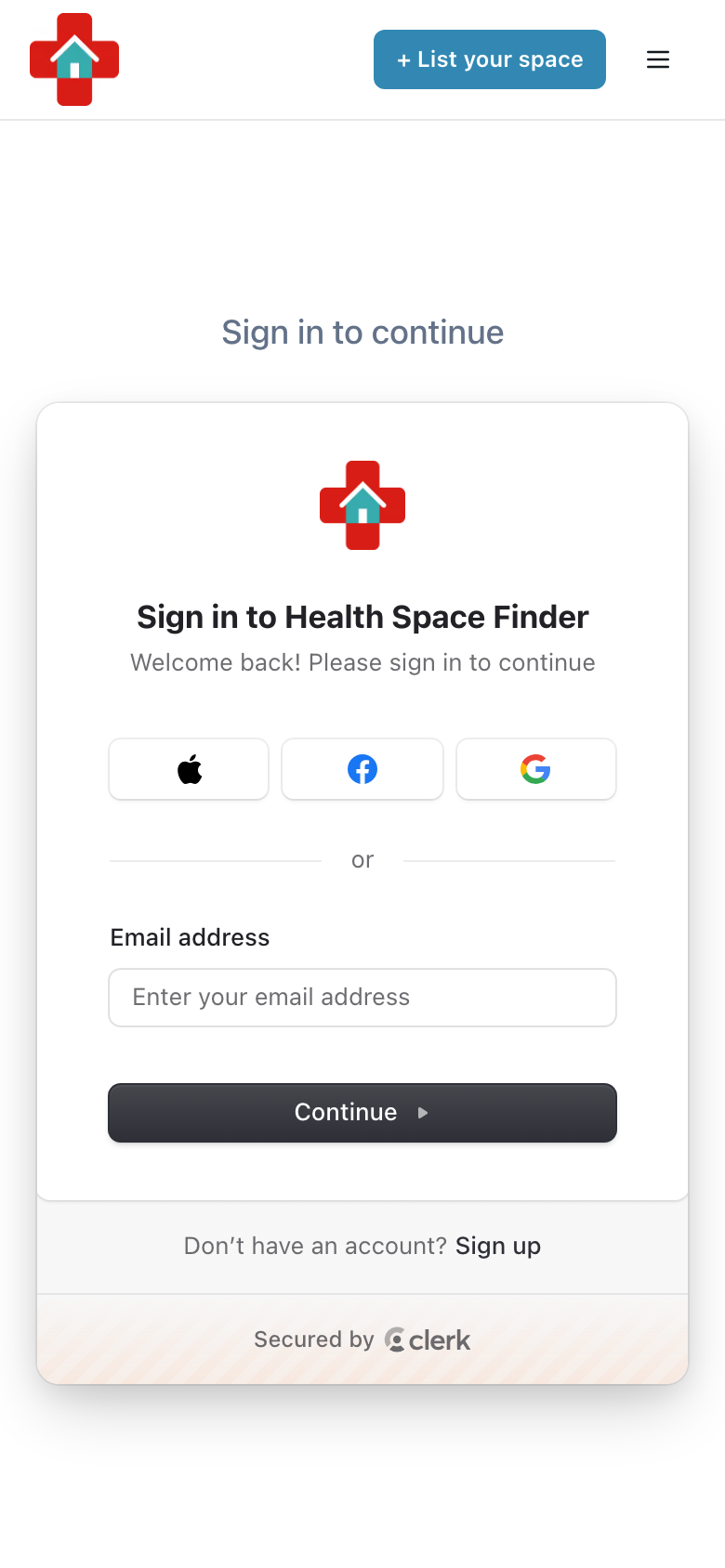
If it asks for a password you do not remember, look for the other sign-in options on that screen, choose the email code option and enter the code we send you.
If you signed up with Google, tap the Google button instead of typing a password.
Still stuck? Write to us with "Chat with us" in the menu, including a screenshot of the error and the email you are using.