Get alerts when a space is listed near you
A saved search emails you when a new listing matches your filters, so you do not have to keep checking.
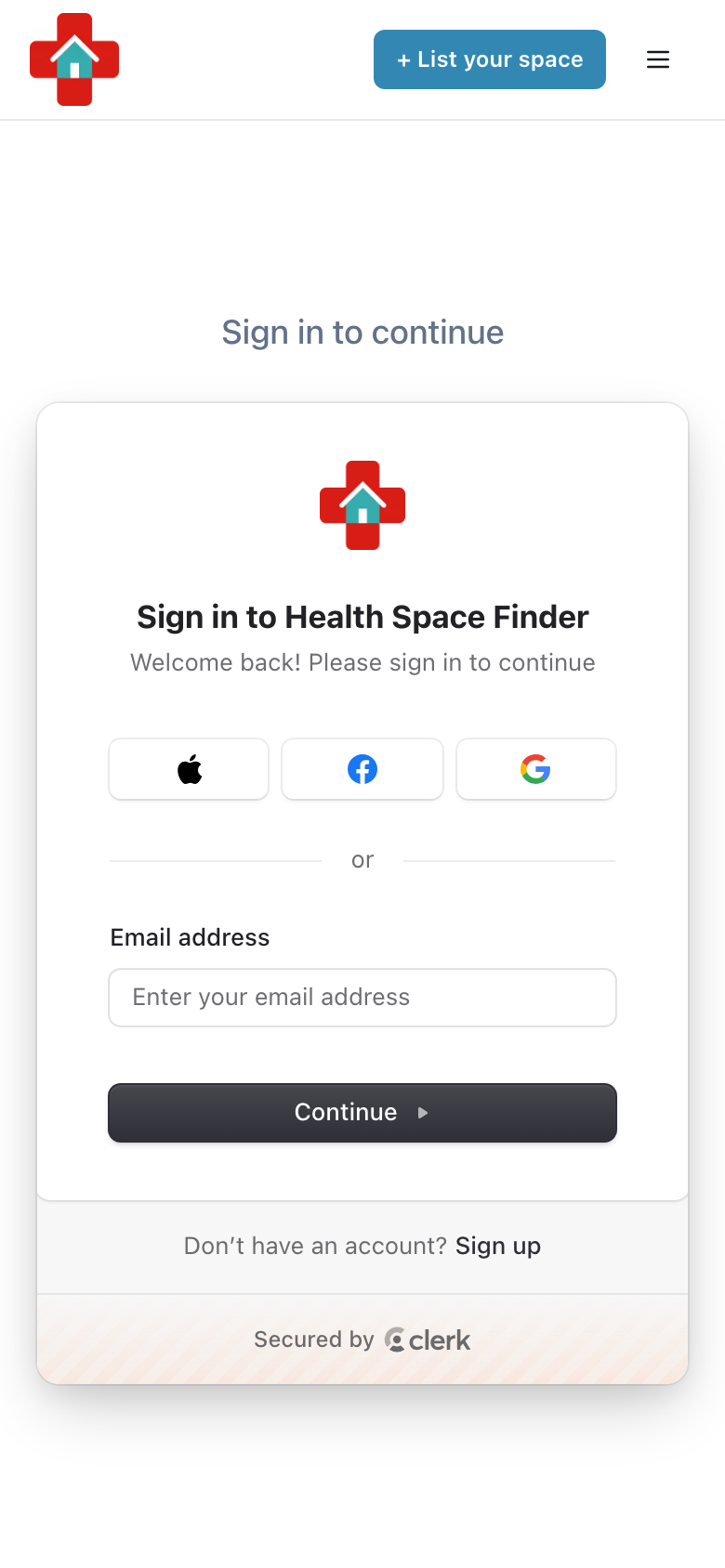
Create a free account or log in.
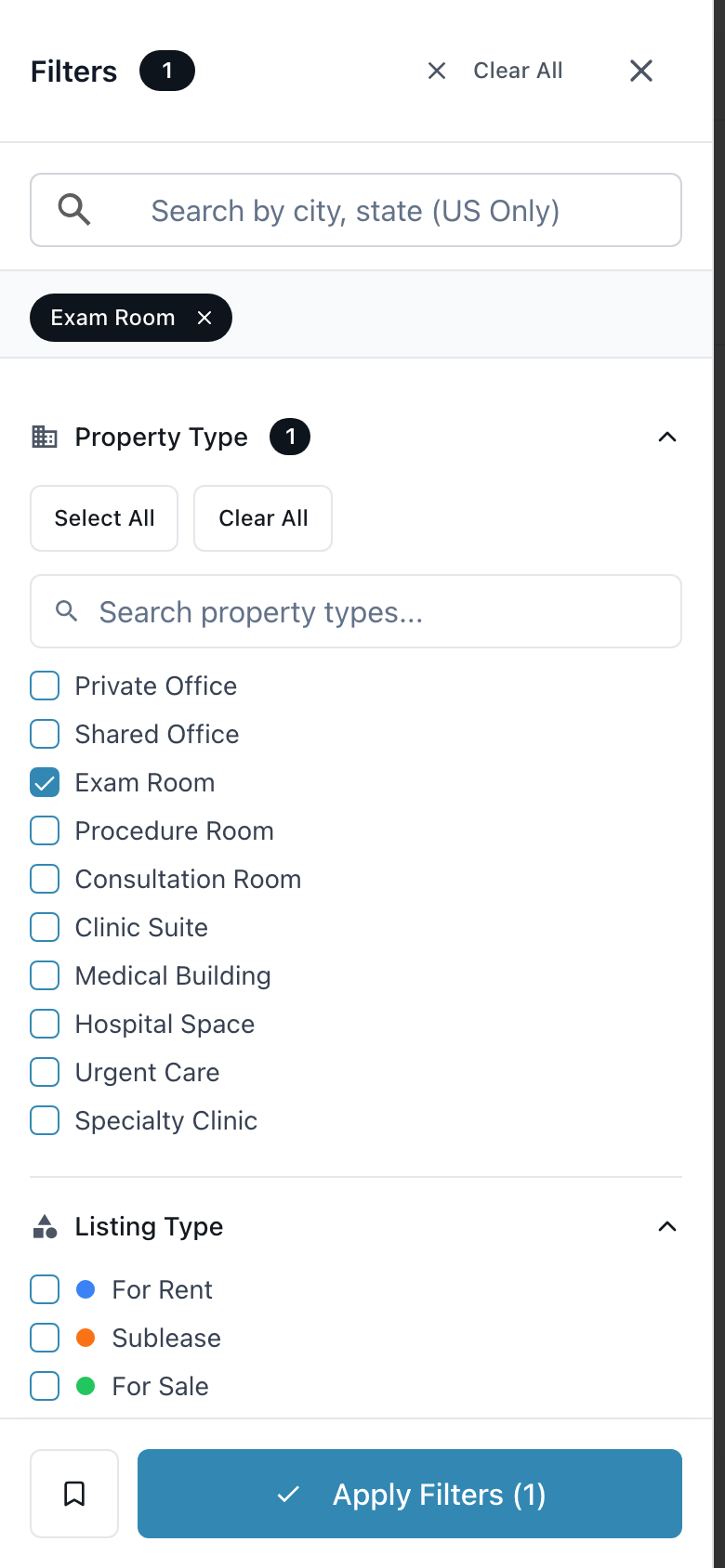
On the Listings page search for your city and set your filters, such as space type and budget.
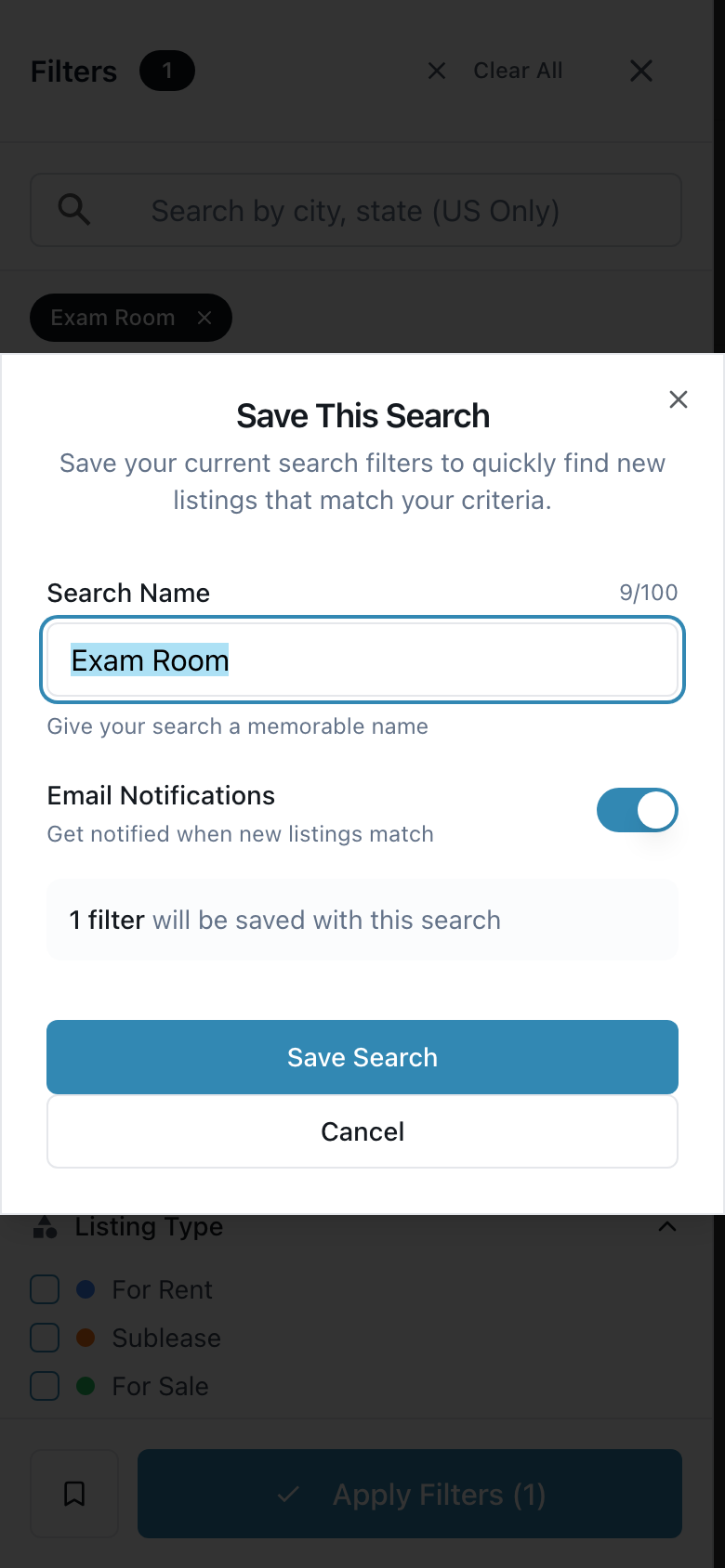
Tap "Save Search", give it a name, leave "Email Notifications" on and tap "Save Search" again.
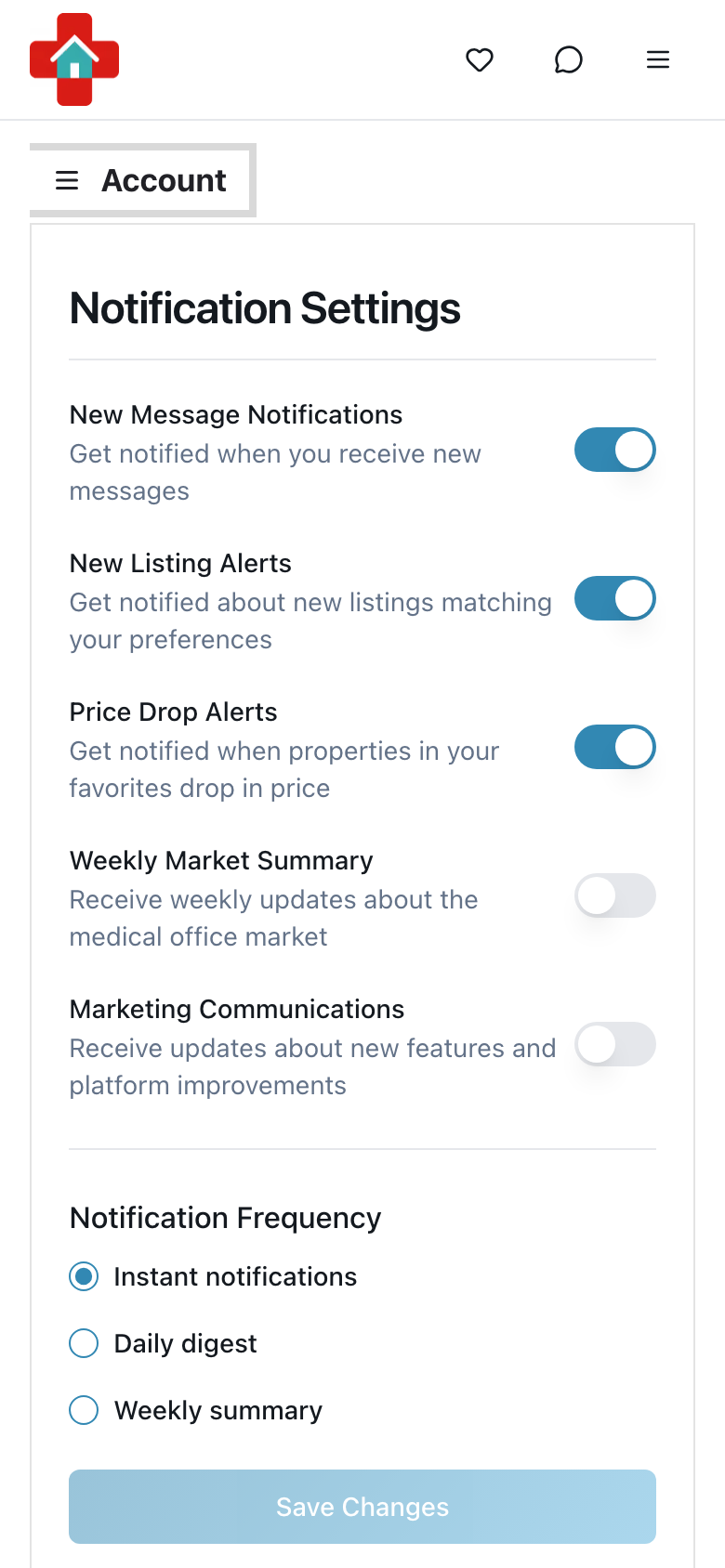
Under Profile Settings → Notifications choose Instant notifications, a Daily digest or a Weekly summary.