How to edit your listing
Every listing can be edited any time after it is published.
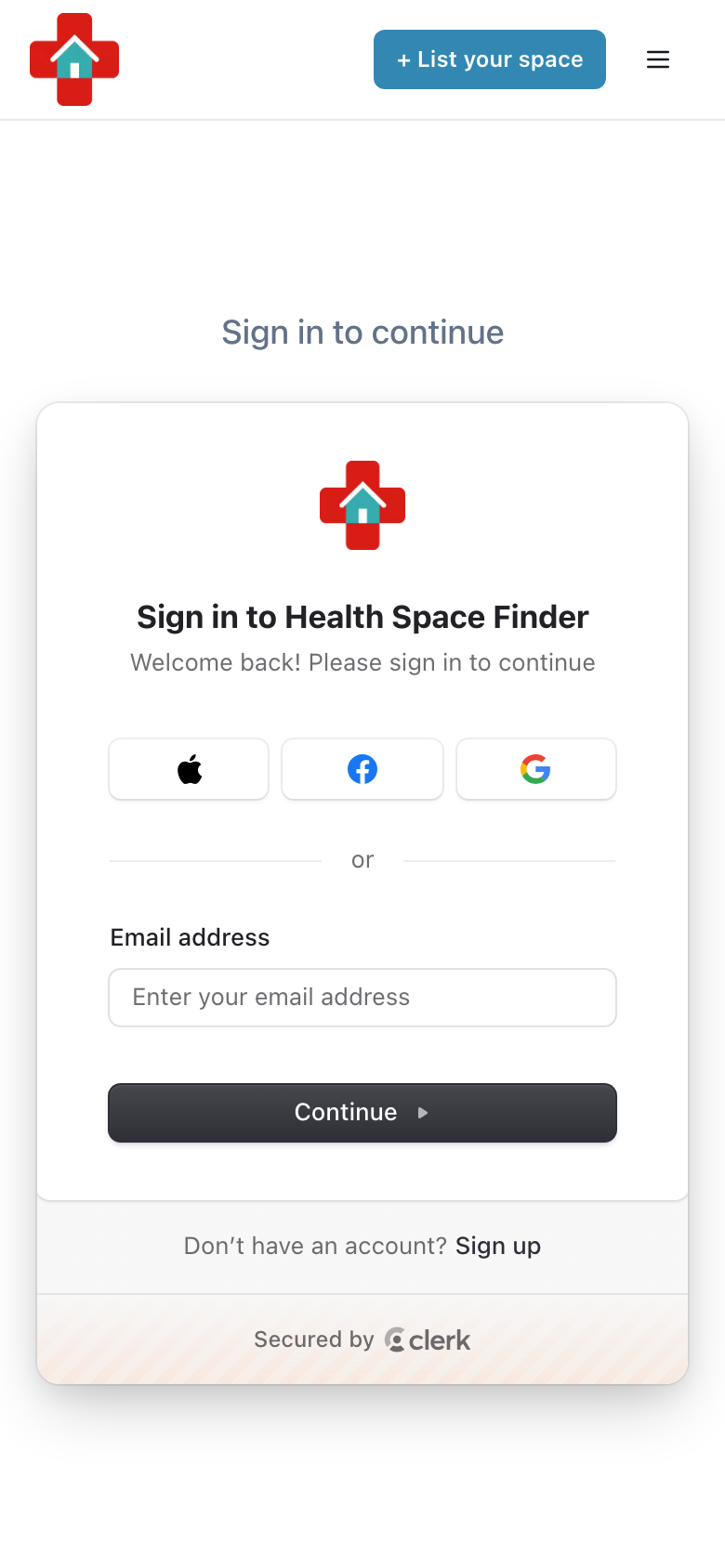
Go to healthspacefinder.com and tap "Login" (on a phone, tap the menu icon in the top right first). Use the email address you listed with.
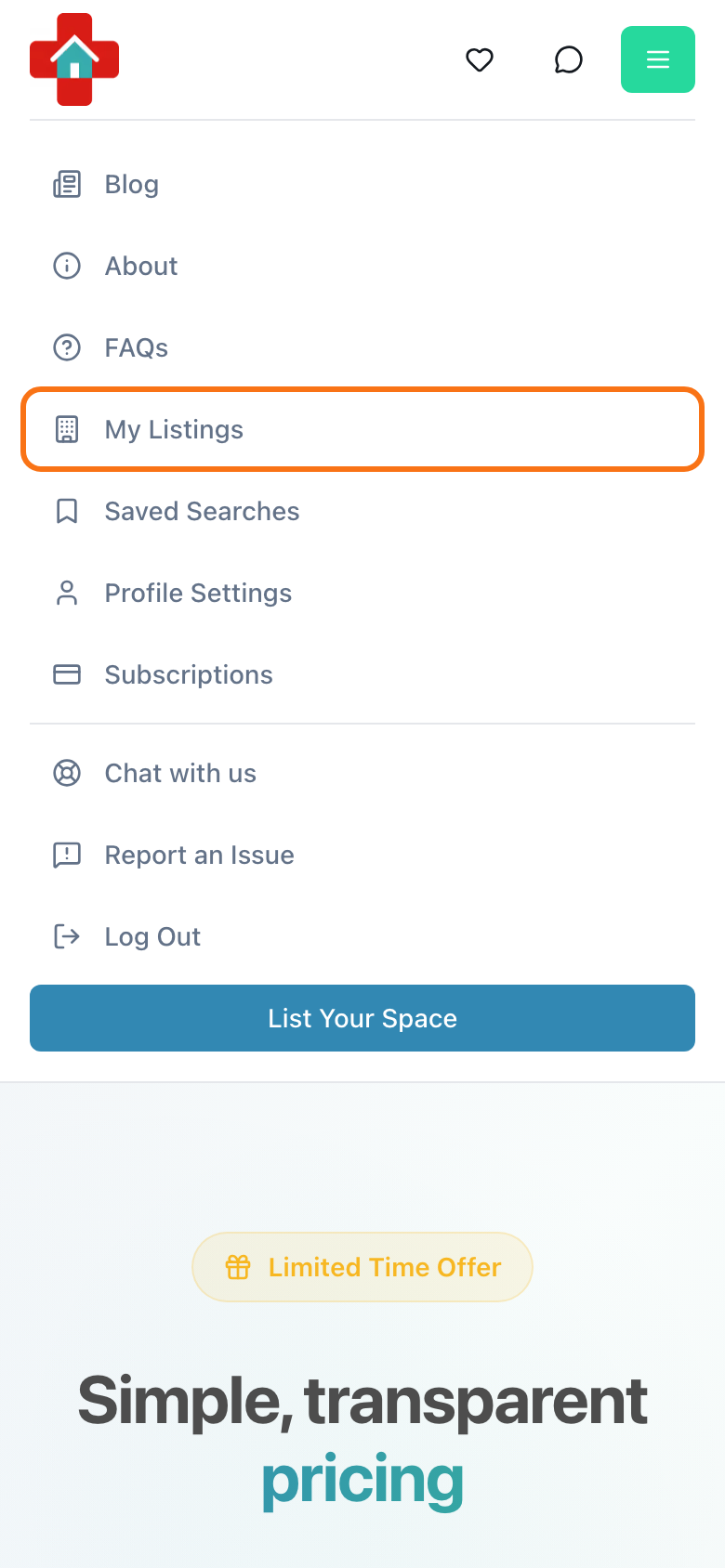
Tap the menu icon in the top right and choose "My Listings". On a computer, click your profile picture or initials and choose "My Listings".
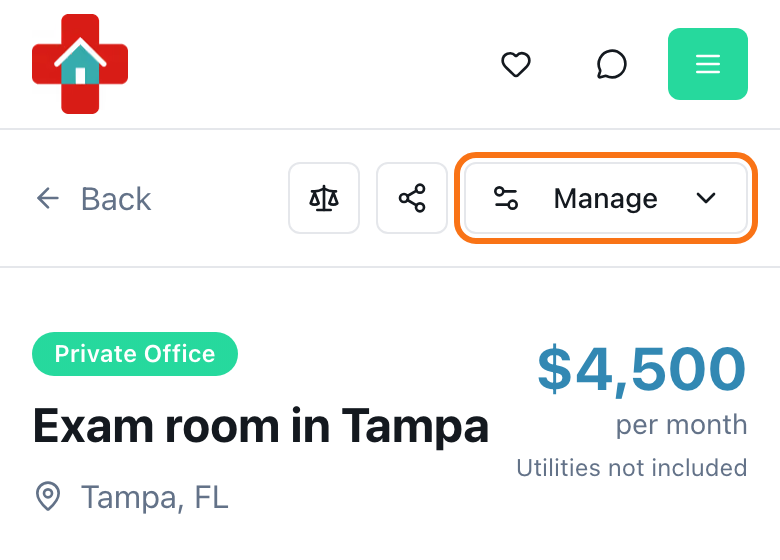
Find your listing and tap "Manage" on its card. You can also open the listing and use the "Manage" button in its header.
Tap "Edit". Change what you need, then go to the last step, "Review & Publish", and tap "Update Listing". (An unlisted listing shows "Save Changes" and a draft shows "Save as Draft".)
- The edit form shows all steps on one page, so you can jump straight to the field you want to change.