How to list your space
Listing is free for 30 days, then $29 per listing per month, cancel anytime.
Create a free account or log in at healthspacefinder.com.
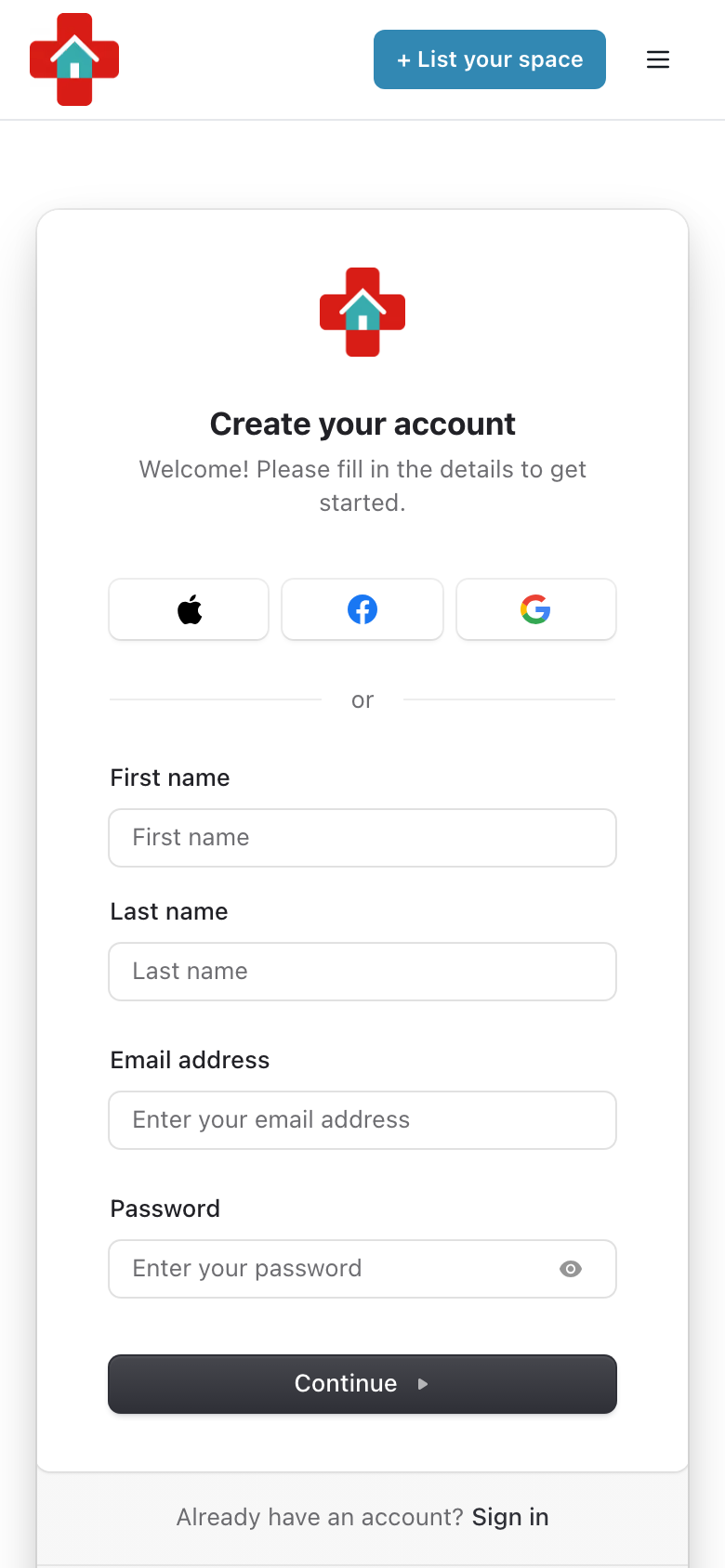
Tap "List Your Space" (on a phone it is in the menu), or go to healthspacefinder.com/my-listings/new. From My Listings you can also tap "Create New Listing".
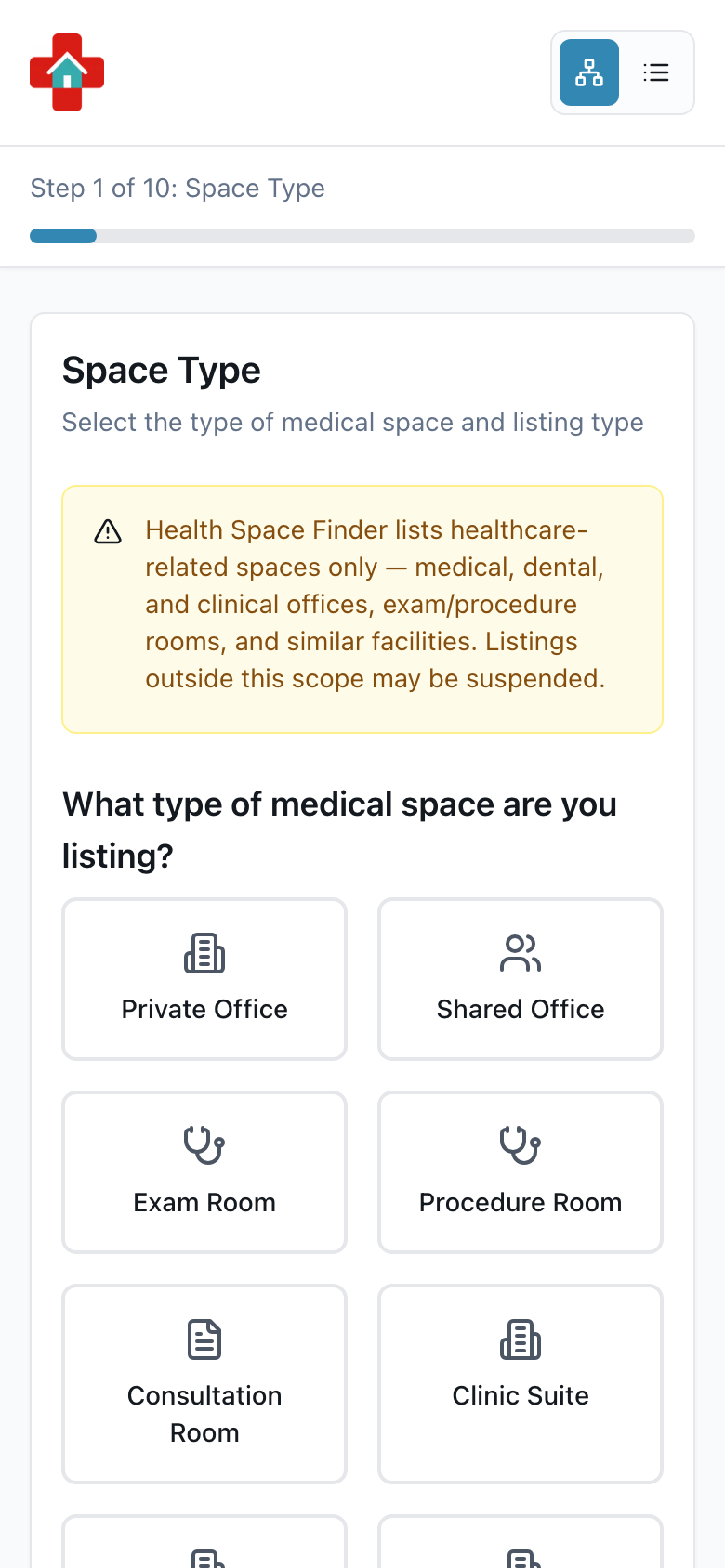
Choose the space type and listing type, then add the location and the space details.
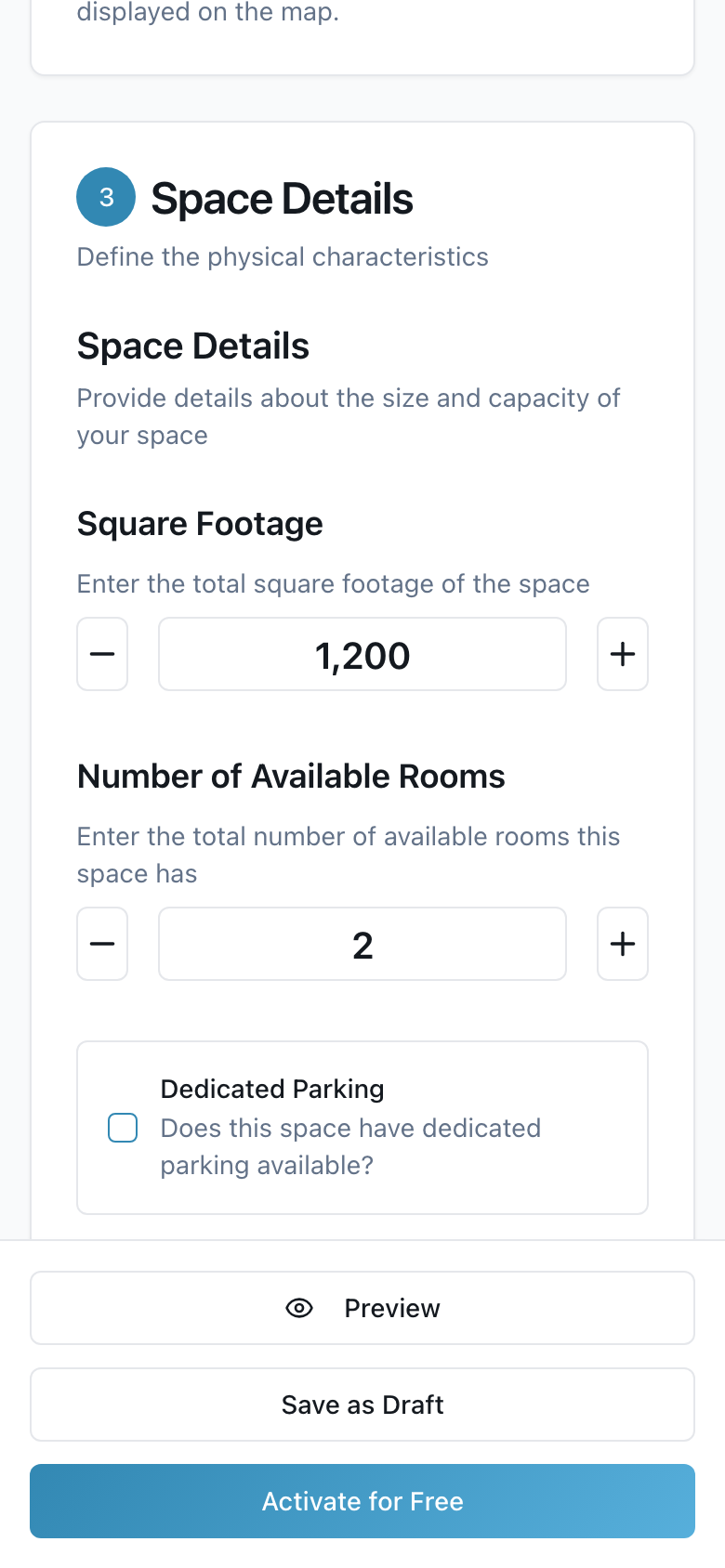
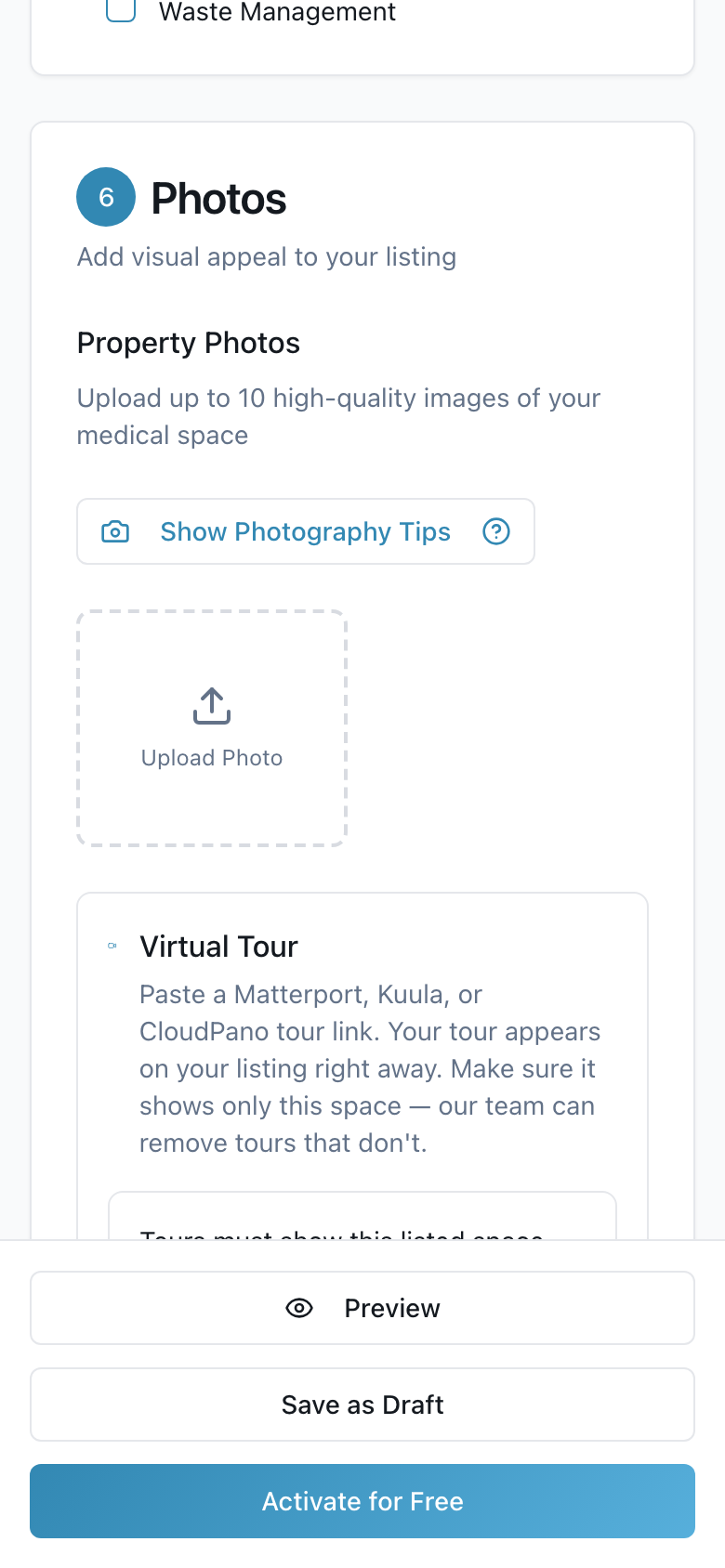
Add features, amenities, clear photos, pricing, and a title and description.
On the last step, "Review & Publish", tap "Activate for Free". In the box that opens tap "Add Card & Start Free Trial" and add a card on the secure Stripe page, or "Start Free Trial" if a card is already on file. Nothing is charged for 30 days.
- Not ready? Tap "Save as Draft" and finish later from My Listings.