How to add a payment method
Adding a card during the 30-day trial changes nothing until the trial ends. After that it is $29 per listing per month, cancel anytime.
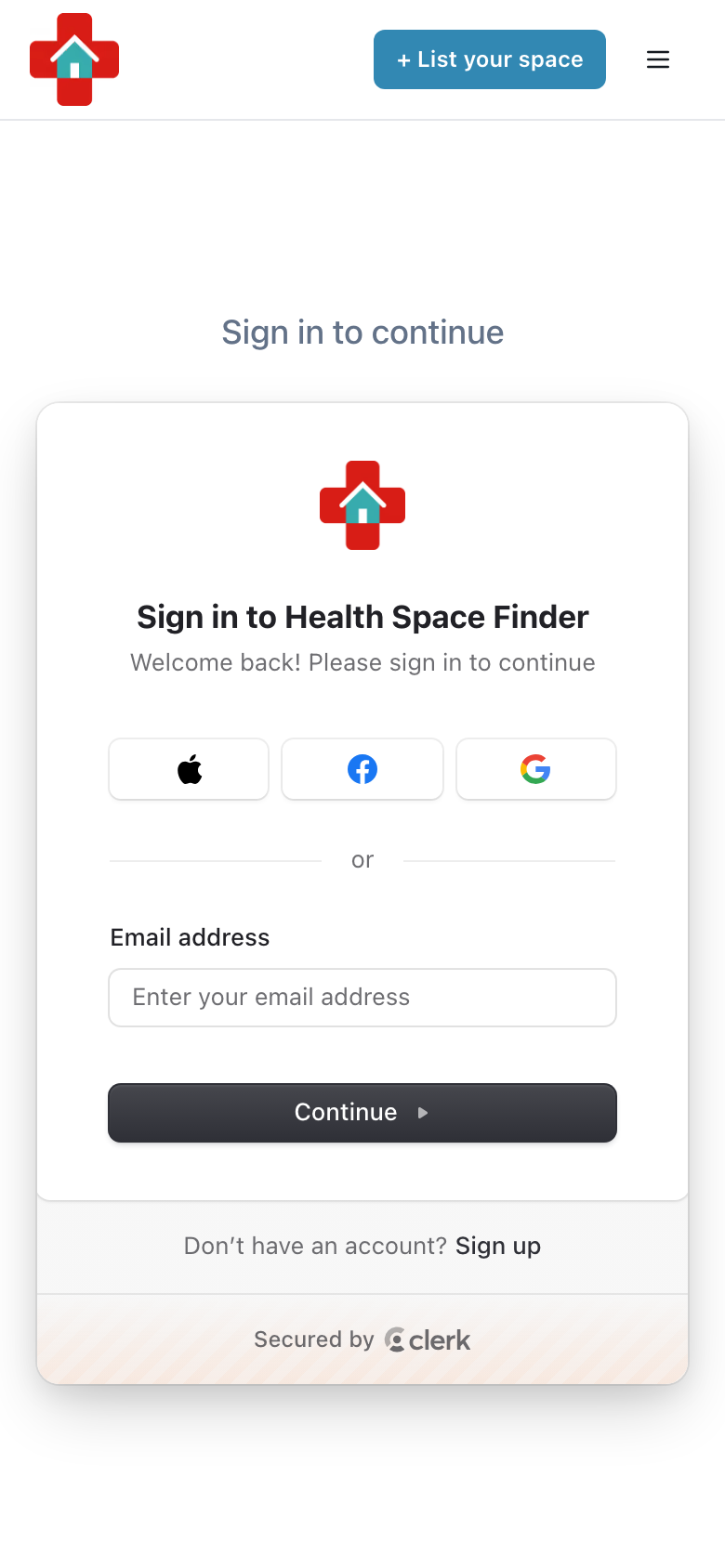
Go to healthspacefinder.com and tap "Login" (on a phone, tap the menu icon in the top right first). Use the email address you listed with.
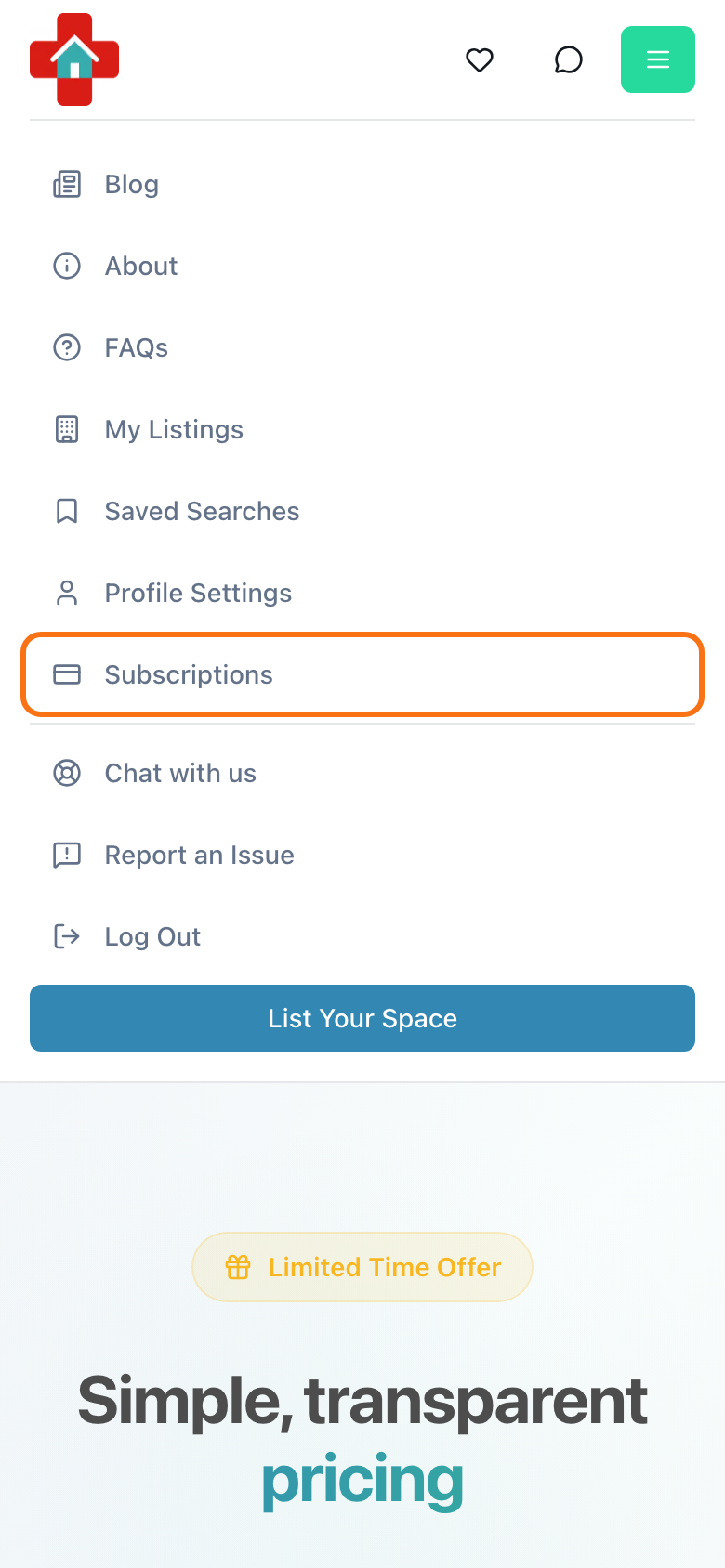
Tap the menu icon in the top right and choose "Subscriptions". On a computer, click your profile picture or initials first.
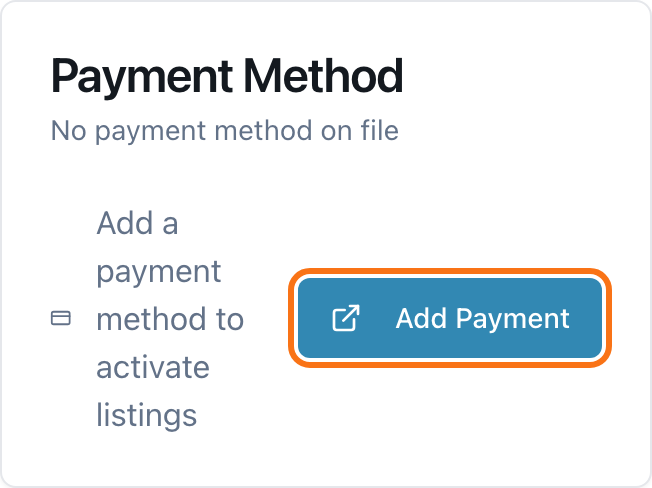
In the "Payment Method" box tap "Add Payment".
Stripe opens in a new tab. Enter your card there and save it, then use the link back to My Listings.
- No "Subscriptions" item in the menu? Open "My Listings", tap "Manage" on your trial listing and choose "Add Payment Method". The "Add a Card" button in the banner at the top of the site also works while a trial is ending.
- If a listing shows "Messages on hold — add a card", adding a card under Subscriptions alone does not release them. Tap "Add a Card" in the banner at the top of the site (or on the listing page) and confirm "Add Card & Pay $29" ("Pay $29 & Unlock" if a card is already on file). That charges $29 and unlocks your messages.